How to Link Facebook Account with PGSharp (Easy Guide)
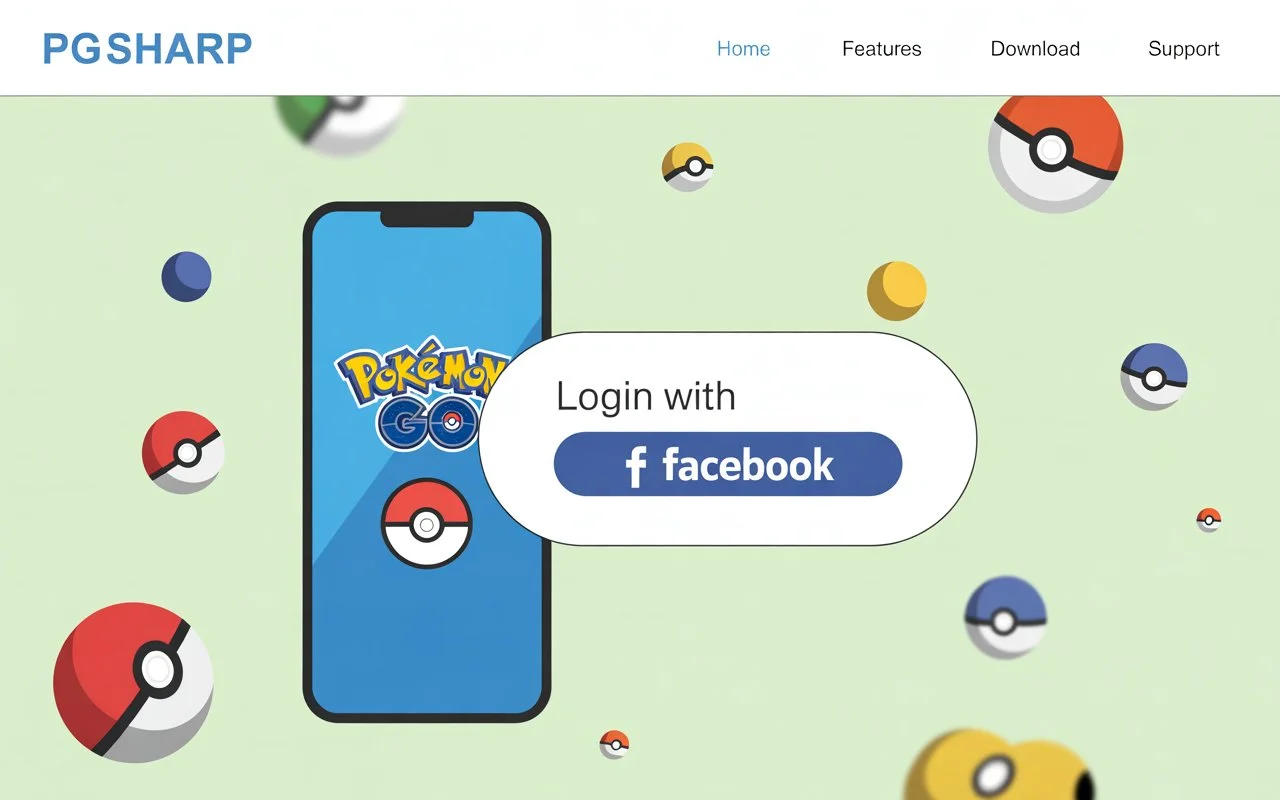
If you’re a Pokémon Go player who uses PGSharp, you already know how much you need to log in using your Facebook account. Most players use this login mode because it’s quick, safe, and maintains your progress on various devices.
But at times, connecting Facebook with PGSharp becomes confusing—particularly when you encounter login problems. Worry not, in this article we will guide you through the step-by-step guide in easy language, and also provide fixes to common issues.
Why Link Facebook Account with PGSharp?
Before jumping into the steps, here’s why connecting Facebook is useful:
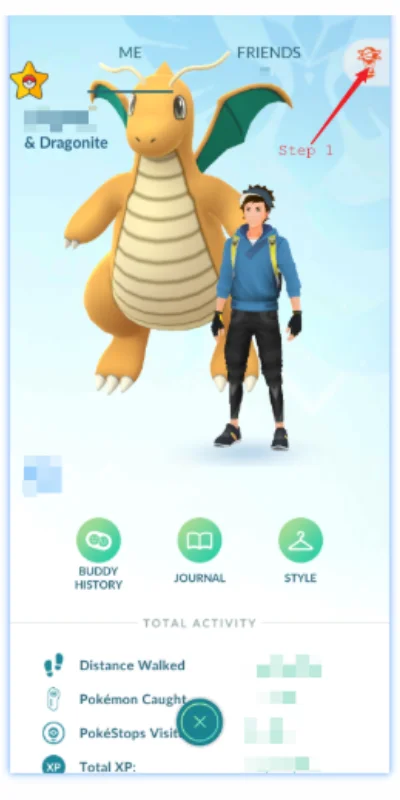
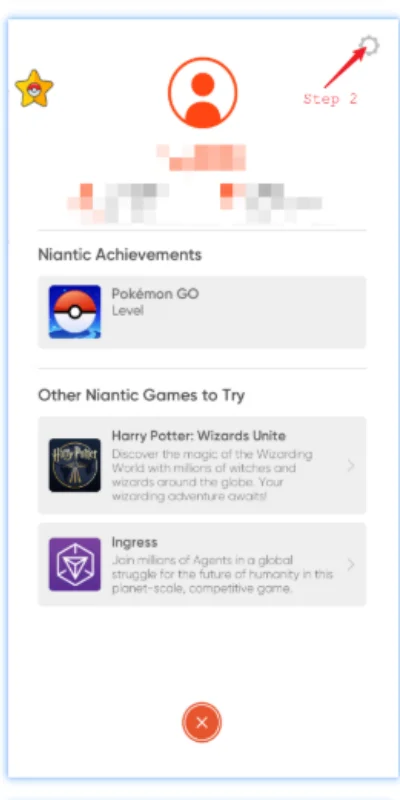
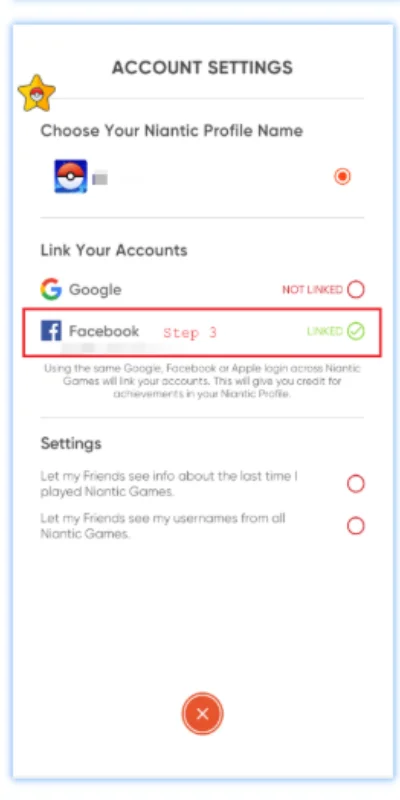
Step-by-Step Guide to Link Facebook with PGSharp
Follow these simple steps to connect your Facebook account:
Troubleshooting Tips (Fix Facebook Login Issues in PGSharp)
Sometimes, the login doesn’t work smoothly. Here are fixes that usually solve the problem:
Logout from all Facebook accounts
If PGSharp is loading the wrong account, log out of Facebook app and browser, then try again.
Clear cache and data
Go to your phone Settings → Apps → PGSharp → Storage → Clear Cache/Data.
Do the same for your Facebook app or browser.
Reinstall apps
Uninstall both Facebook app and PGSharp, then reinstall them. This refresh often fixes login glitches.
Use browser login instead of app
Sometimes the Facebook app login doesn’t work. Try logging in via the web browser option when PGSharp asks.
Check Facebook server status
If Facebook itself is having an outage, PGSharp won’t be able to connect. In that case, wait until Facebook fixes it.
Tips to Avoid Login Problems
Always keep both PGSharp and Facebook app updated.
Use only one active Facebook account per device to avoid confusion.
If you use VPN, disable it while logging in, as it may block the Facebook connection.
For iOS users (if supported), make sure Safari has cookies enabled because Facebook login relies on them.
FAQs
Final Thoughts
Connecting your Facebook account with PGSharp is easy once you know what to do. Just be sure you are logged in to the correct Facebook profile, utilize the log in with Facebook method within PGSharp, and use the troubleshooting tips in case something doesn’t work.
This way, you can play safely, have your progress protected, and keep playing Pokémon Go with all the awesome PGSharp features.

PGSharppokemon is an expert in Pokémon Go enhancements, with a special focus on PGSharp. He provides in-depth guides and tips to help players make the most out of PGSharp for a smoother and more enjoyable gaming experience. Dedicated to staying up-to-date with the latest developments, Muhammad shares valuable insights to help both new and experienced players enhance their gameplay. Follow him for the latest updates and tricks in the world of Pokémon Go.