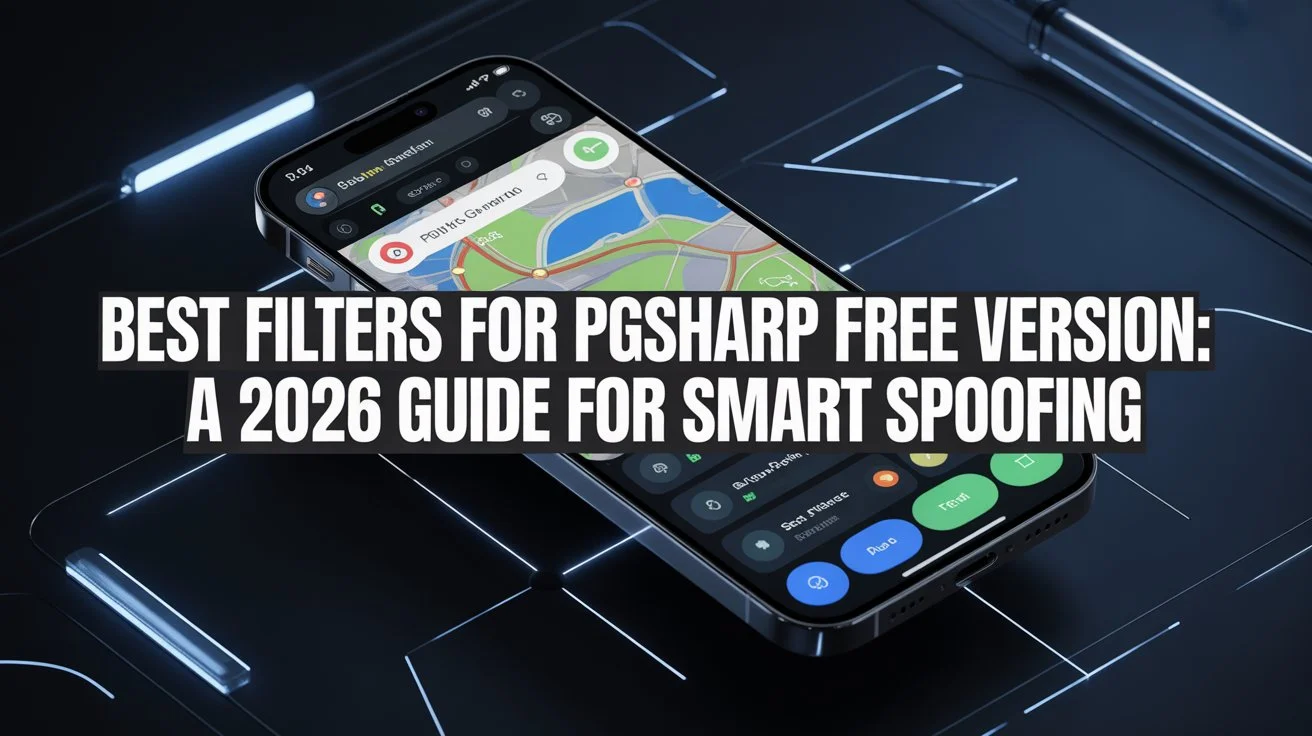
Best Filters for PGSharp Free Version: A 2026 Guide for Smart Spoofing
If you’re still using the free version of PGSharp in 2026, you might sometimes feel behind players who talk about paid keys and premium features. But after years of using PGSharp myself, I’ve learned that you don’t have to pay to play effectively. With the right filters and approach, you can use the free version to find strong Pokémon, hunt regionals, and enjoy the game without spending a dime.
In this updated guide, I’ll show you the best filters for the PGSharp free version in 2026, including how to set them up and how to play smart to reduce your risk of detection.
What Are best filters for PGSharp free versione and Why They Still Matter in 2026
PGSharp filters help you control what shows up in your Feeds so you don’t waste time on weak or unwanted Pokémon. They work like a search assistant: you tell the app what you want, and it only shows that on your feed.
Even in 2026, the free version of PGSharp still includes key features such as:
- Teleport and joystick movement
- Autowalk
- Enhanced throw
- Encounter and inventory IV display
- 100 IV Feed
- Nearby radar
These features are part of the free toolset and make filtering worthwhile without paying for a subscription. PGSharp
What filters do is make these tools more efficient and help you find valuable Pokémon faster.
The Best Free Filters You Should Use in PGSharp (2026)
Here are the filters I personally rely on when using the free version, and they are still the most effective in 2026.
The 100 IV Filter
This is the most essential filter for any serious free user.
Settings
- IV: 100–100
- Distance: Unlimited
This filter ensures that your feed only shows Pokémon with perfect stats. Even though paid users get faster feeds and extra scanning tools, the free version still gives you access to 100 IV results. You can teleport directly to them.
2. Regional Pokémon Filter
Many players use this filter to locate Pokémon that typically only spawn in specific regions.
Settings
- Species: Select Pokémon like Heracross, Sigilyph, Pachirisu, etc.
- IV: All
This filter lets you find region-exclusive Pokémon that don’t normally appear around you. I’ve used it often to fill in missing entries in my Pokédex, especially when new regionals rotate in live events.
3. High-Level Filter (Candy and Battle Ready)
Sometimes you’re not looking for 100 IV, but you want strong Pokémon ready for battles or raids.
Settings
- Level: 30–35
- IV: 80+
This helps you find Pokémon that are already high level so you spend less Stardust powering them up. It’s especially useful when preparing for PvP battles or gym defenses.
How to Set Up Filters in PGSharp (Easy Steps)
Filters are simple to set up even if you’re new:
- Tap the PGSharp star icon on the screen.
- Open the Feeds menu.
- Tap the filter icon to adjust settings.
- Enter your preferred IV, level, or species filter.
- Save each filter with a clear name like “100 IV Global.”
Giving each filter a name helps you switch between them quickly, especially when hunting different targets.
Free vs Paid: What’s Really Different in 2026
Yes, PGSharp’s paid version does have advantages, such as:
- Quick Catch
- Skip Animations
- Block Non-Shiny Pokémon
- Auto Transfer on Catch
These make gameplay smoother and faster, but they don’t fundamentally change the value of the filters you can use in the free version. PGSharp
What’s more important is how you use the tools you have. The free version’s feeds and filters still let you find perfect IV Pokémon or specific species without paying.
Safety in 2026: What You Need to Know
Before you spoof, you must understand the risk. PGSharp is still a third-party app that violates Pokémon GO’s terms of service, and Niantic continues to update their anti-cheat systems. AnyTo+1
This means:
- There is always a chance your account could be flagged.
- Spoofing creates unnatural movement patterns that Niantic tracks.
- Long or frequent teleports increase your detection risk.
To reduce risk:
- Respect cooldown times after teleporting. Hard or rapid jumps are the most common trigger for soft bans or suspensions. PGSHARP APK
- Avoid using high-risk features too aggressively. Consistent perfect throws or unnatural movement signals automated behavior to Niantic. PGSharp Pokémon
- Consider using an alt account for spoofing so your main account stays safer.
A smart strategy involves slow, realistic movement patterns, spacing out long teleports, and acting like a regular trainer as much as possible.
Real Experience: How Filters Changed My Gameplay
Over the years, the biggest improvement in my own play came when I started using proper filters instead of just roaming randomly.
I used to spend hours walking feeds that showed mostly low-IV spawns. Once I switched to a 100 IV focus, I started finding perfect Pokémon regularly even without paying. I also use a regional filter when new regionals are active in the game’s current rotation.
What helped most was treating spoofing like a tool and not a shortcut. By combining filters with cooldown discipline, I could fill missing entries and build stronger teams without frequent interruptions.
Conclusion
The free version of PGSharp still has real value in 2026, especially when you use filters effectively. While banned waves, Niantic’s anti-cheat updates, and safety concerns are real, intelligent use of filters can make your time with Pokémon GO more productive and enjoyable without spending money.
Always play responsibly, respect cooldown timings, and remember that no spoofing method is completely risk-free. If you want, I can also share a list of tested nest coordinates and hotspots where these filters work best — just let me know.

PGSharppokemon is an expert in Pokémon Go enhancements, with a special focus on PGSharp. He provides in-depth guides and tips to help players make the most out of PGSharp for a smoother and more enjoyable gaming experience. Dedicated to staying up-to-date with the latest developments, Muhammad shares valuable insights to help both new and experienced players enhance their gameplay. Follow him for the latest updates and tricks in the world of Pokémon Go.